Digital Dig for General Contractors
Know what’s on your site, in real time
before crews start work.
SiteMarker’s Digital Dig lets your crews mark utilities, inspection points, and layout points in the field with survey-grade GPS, and see them on your plans the same day. Superintendents, foremen, and trade partners open one live map on a phone, tablet, or trailer screen. No CAD software. No waiting on an export.
Trusted by industry-leading general contractors and builders




Points, Plans and Observations on a Shared Map
A living record of field data
construction teams can trust.
Digital Dig replaces the handoffs. A crew member marks a point in the field. It shows on the map with a photo and notes, on top of your plans, the same day. Everyone on the project sees the same map.
Digital Dig toolkit
Mark points accurately
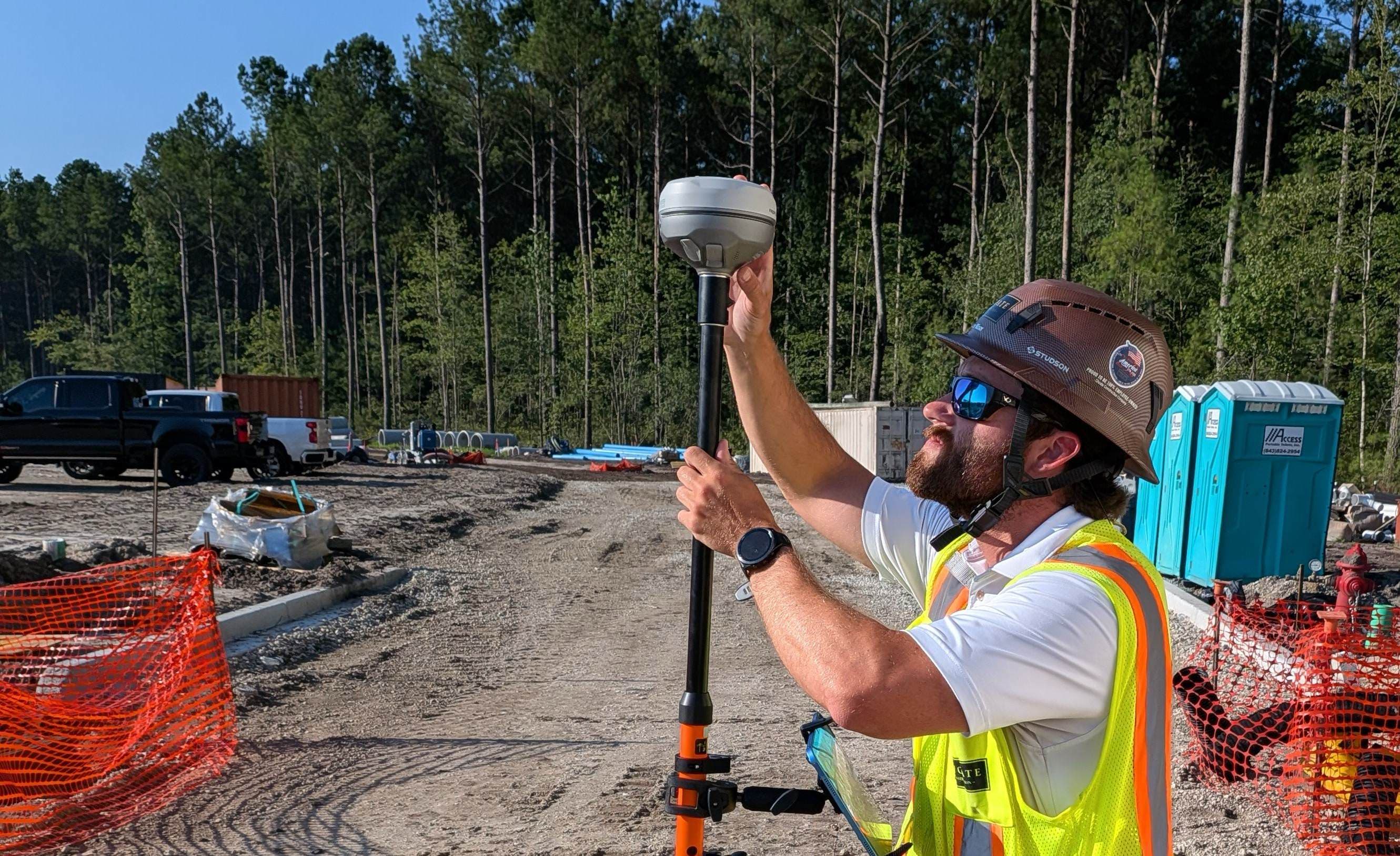
Tap to drop a pin. Connect a survey-grade GPS receiver for accuracy under an inch. Your team sees the live location as you work.
Add photos and notes
Attach photos, notes, labels, and status to each point as the work moves forward.
Put your plans on the map
Upload PDF plans, CAD files (DXF), Google Earth files (KMZ/KML), and drone images. Line them up with the real site.
Draw utility lines automatically
Mark points along a utility and SiteMarker draws the line. Export it as a map layer for your as-built record.
Build reports in seconds
Select points and create a report with photos, locations, and notes. Share it with a link.
Walk to any point with Guide Mode
Guide Mode leads you to a point on the site. Drop a pin or complete a check when you arrive.
How leading teams deploy Digital Dig today
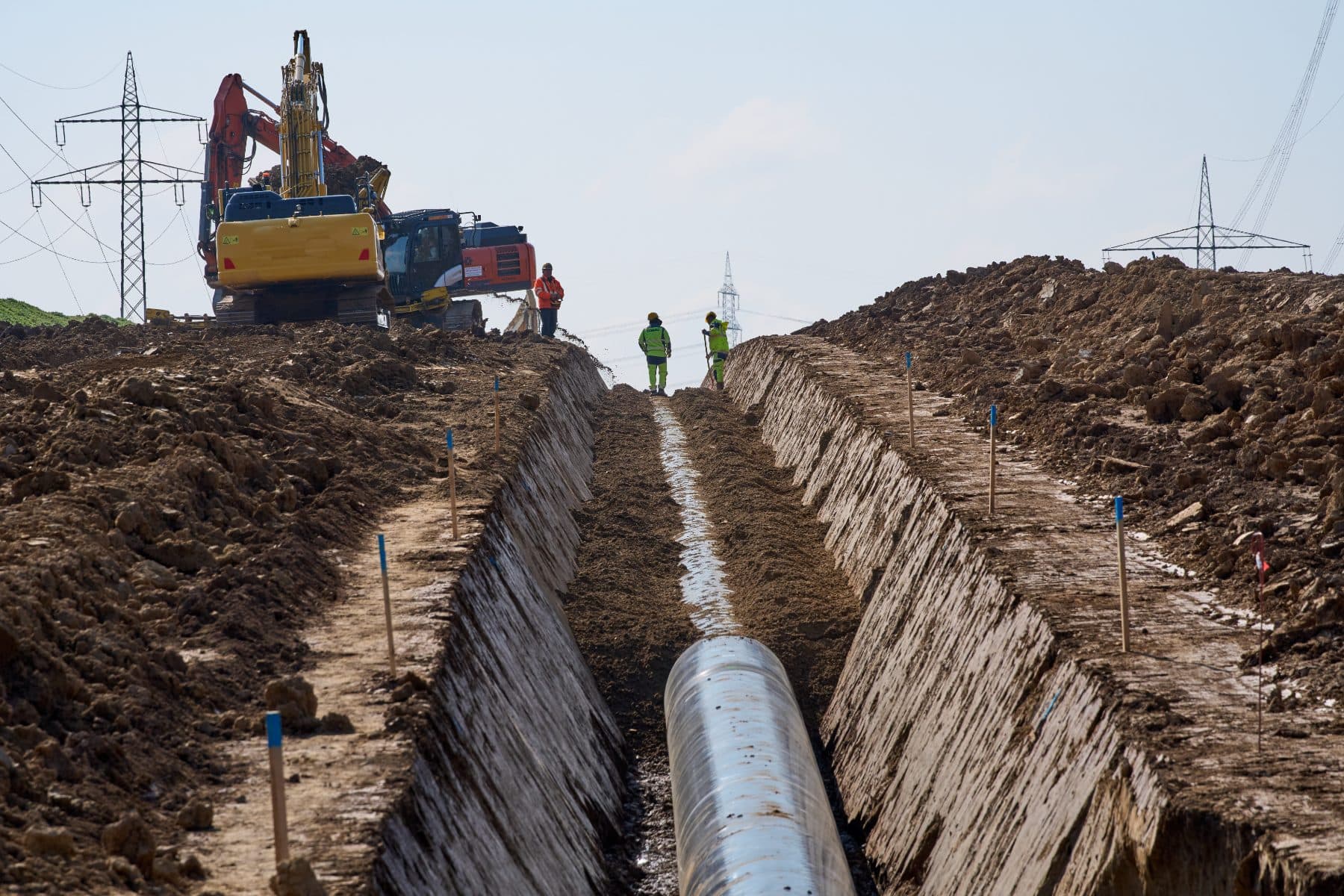
Utility strike avoidance
Map every utility while the trench is open.
Your crews check the live map before they dig.
Each point records
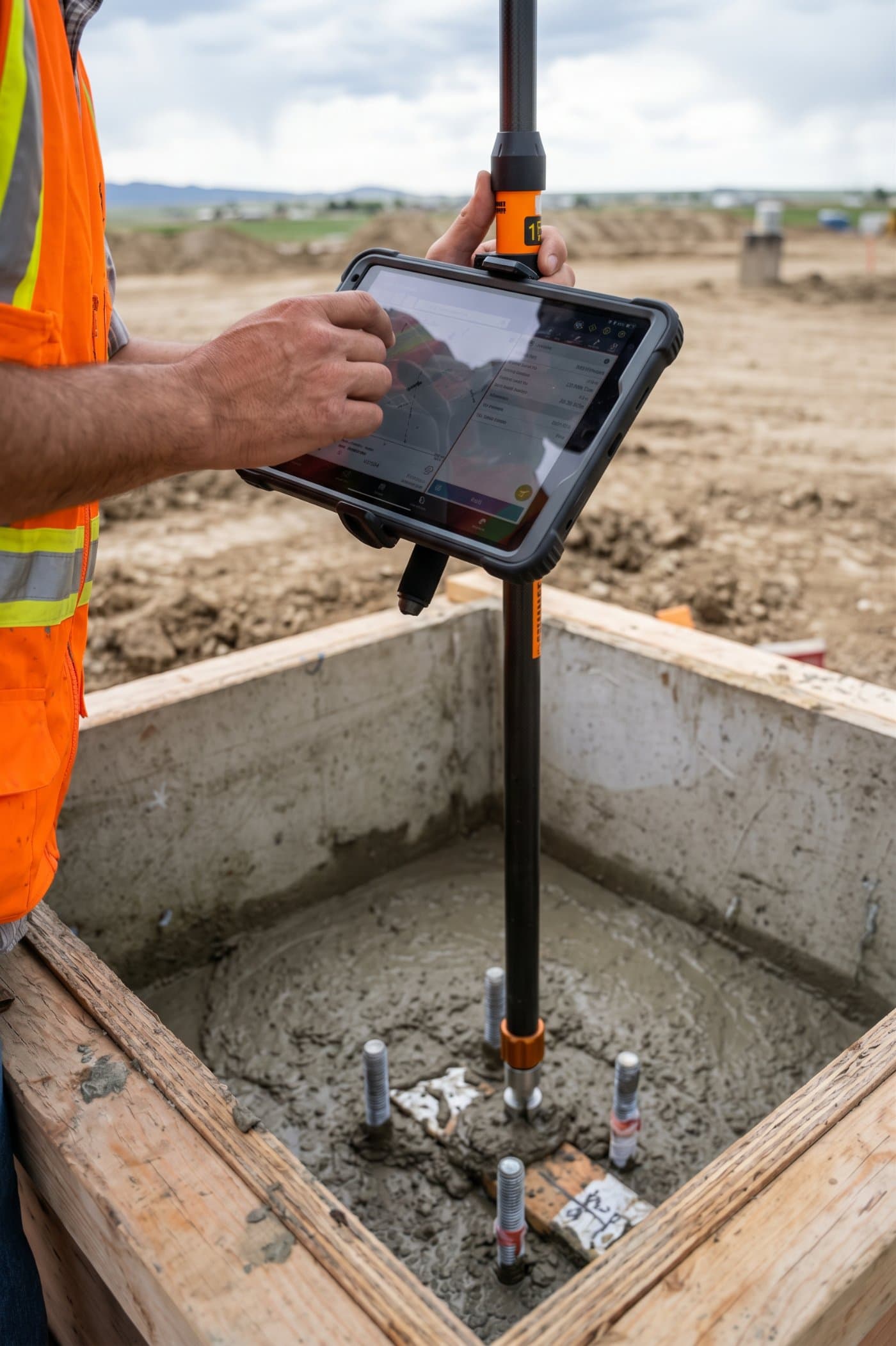
Quality control (QA/QC)
Record each inspection point with a photo and an exact location.
Find any check point later in seconds.
Each point records
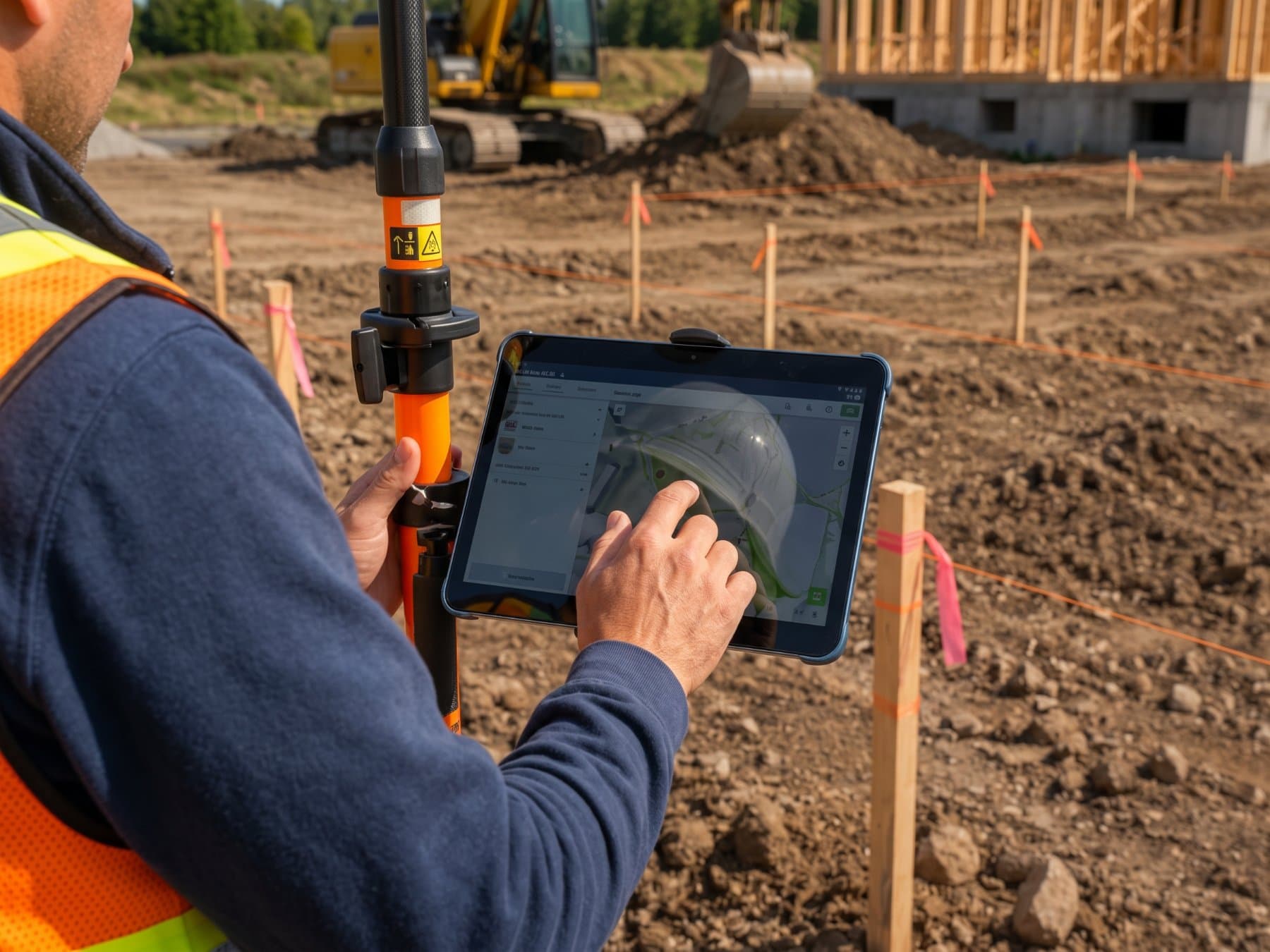
Site layout
Stake points yourself from the survey control your surveyor sets.
No wait for a crew to come back out.
Each point records
Digital Dig works with the GNSS receivers and plan files you already have. It replaces the handoffs between them.
Get a Personalized DemoWhy it matters
Fewer handoffs. Faster decisions.
A record you can defend.
Your superintendent decides where to dig, pour, and stage every day. Digital Dig puts current field information in front of them when they decide, not a week later.
Save time
No CAD training required. Crews tap to mark a point, add a photo, and move on.
Enhance recordkeeping
Each point records where, when, who, and what. The same points you use during the job become the as-built record you hand over at closeout.
Check your data before you trust it
Crews check their GPS against a known site point before they start. Every point records how accurate it is. Lay the points over the plans to see what was built against what was designed.
FAQ
Questions about Digital Dig
What is Digital Dig?
SiteMarker’s tools to mark points in the field with GPS, add photos and notes, and show them on a live map with your plans. Anyone on the project can open the map.
Do I need a GPS receiver?
No for photos and notes; a phone works. Yes for accuracy under an inch; connect a survey-grade (RTK) GPS receiver. Supported receivers include select Emlid, Trimble, and Juniper Systems devices.
Does Digital Dig replace my surveyor or CAD software?
No. It works with your surveyor’s control points and your design files. It removes the handoffs between the field and the office.
How do trade partners see the map?
Share a link or a QR code. No login, no app install.
Which file types can I put on the map?
PDF plans, CAD (DXF), Google Earth (KMZ/KML), and drone images.
See Digital Dig on your jobsite.
Get a personalized demo. Bring a plan sheet - we’ll show you how your crews would mark utilities, inspections, and layout points on it.